The scheduler tries to find the best song for every slot. But sometimes every candidate within the search depth breaks at least one rule. What happens next depends on whether that rule is breakable or not.
How breakable rules work
A breakable rule tells the scheduler: if every option violates this rule, go ahead and pick the least-bad one anyway. The schedule keeps moving. A rule violation indicator appears on that slot when you review the finished schedule, and you can decide whether to swap the song out.
Breakable rules suit situations where compliance is a goal but not an absolute requirement. Sound code separation, tempo balance, and transition preferences are all good candidates for breakable rules.
How unbreakable rules work
An unbreakable rule never bends. If no valid song exists within the search depth, a manual stop is triggered. Scheduling is paused and you choose the right song from a list of candidates.
Use unbreakable rules where the outcome genuinely matters: legal hour limits, content restrictions, or format standards that cannot be violated automatically without consequence.
How to set a rule a breakable
Under the Mode section at the bottom of any rule form you can find the setting.
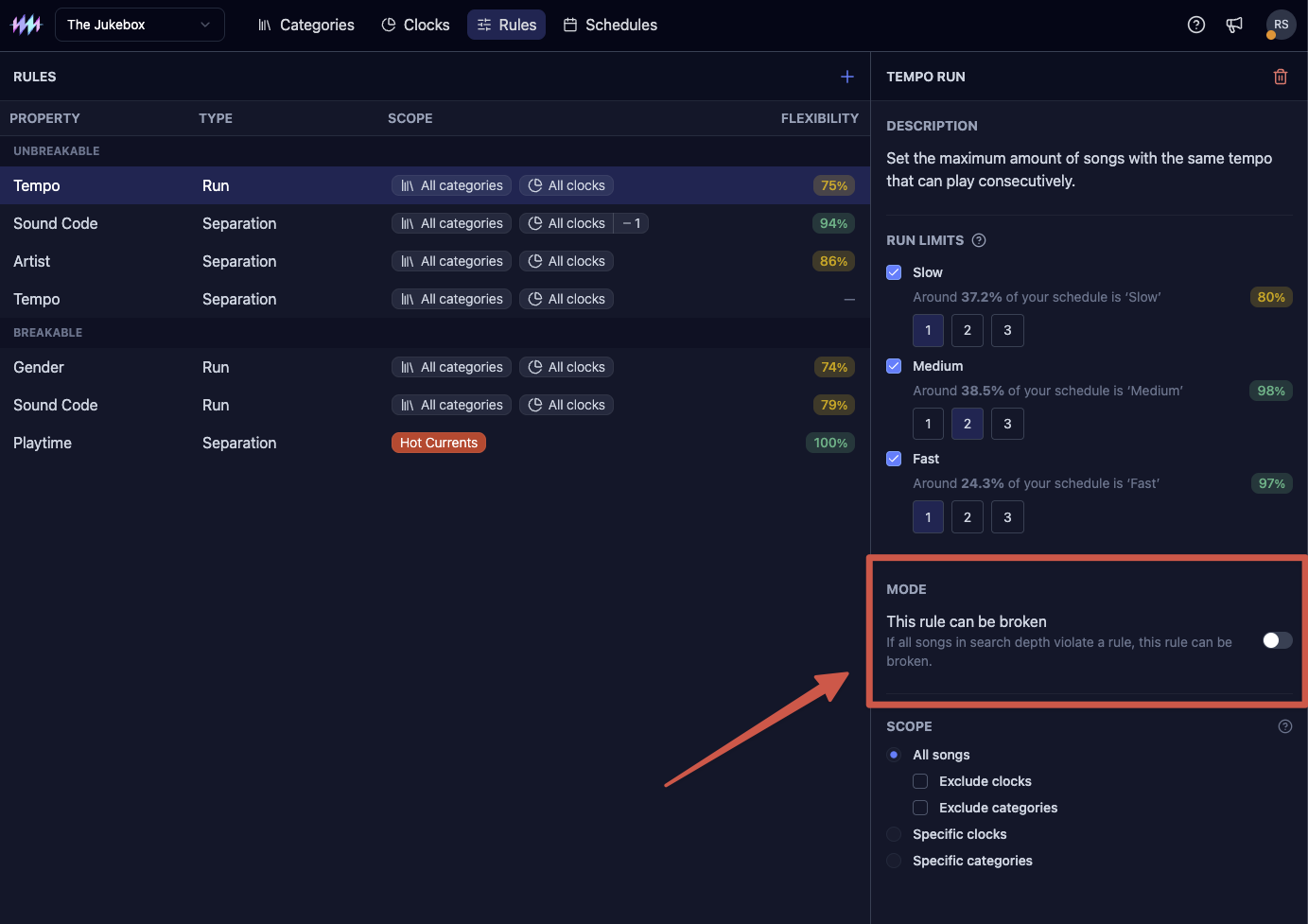
Every rule you create is unbreakable by default. If you find yourself resolving the same kind of manual stop repeatedly, consider whether the underlying rule should become breakable.